


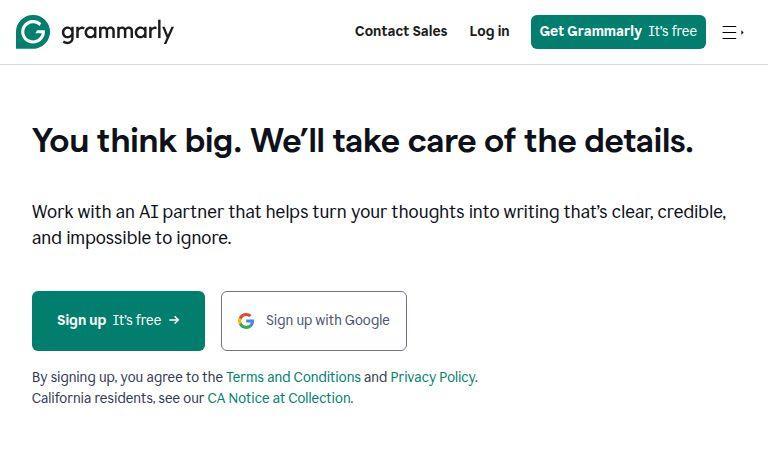
You should use the Grammarly browser extension. There’s no reason not to have it. It’s free, and it helps you avoid making mistakes when you comment on videos or write online. It’s suitable for work, too. I use it to help me write more clearly. If you run a website or blog, Grammarly is beneficial. Everything you write online can affect your website.
If you run a porn blog, this tool is a must. Do you write your video descriptions or review content? Grammar matters. A mistake is bad, but a poorly written post can hurt your site. You don’t need to be an expert, but you should sound professional.
Why Listen to Me?
Let’s be honest. I’m not the most formal person. I often use simple words, and I write in a straight-to-the-point way. People read my reviews because I am honest. A mistake here and there can make my writing feel more real, but I try to avoid them. I think hard about what I write.
But even I use Grammarly. I don’t care as much about traffic, but you probably do. That’s why I use Grammarly for my blog posts. My reviews are honest and straightforward, but my blog posts need to be more professional. Grammarly helps with that.
Grammarly: Browser Extension vs. Tool
Grammarly is an online tool where you paste text for checking. But the browser extension is even better. It works on any site, not just on Grammarly’s website. This is smart because it checks your writing wherever you write online.
The browser extension is easy to use. It checks the text you write in input fields, like comments or blog posts, while you write. It works on WordPress, too, as long as you’re in a browser.
What Does Grammarly Do?
Grammarly marks your text with different colors, like Microsoft Word, but it’s better. Words often suggest things that don’t make sense. Grammarly suggests real improvements. It checks everything from spelling to punctuation, and it’s invaluable.
Grammarly is picky, but in a good way. It suggests fixes even when you think it’s fine. You don’t have to accept every suggestion, but it helps you spot mistakes.
Free Version vs. Premium
The free version of Grammarly does the basics. It catches spelling mistakes, punctuation errors, and run-on sentences. It helps you write clear and correct sentences. If you’re writing for work or business, this free version is enough.
But, if you want more, the Premium version has many extra features. It’s like having a professional writer help you. Premium includes things like:
- Plagiarism check: it ensures your content is original.
- Tone help—it enables you to match the tone for your writing, whether you want to be casual or formal.
- Advanced suggestions—for better sentence structure and word choice.
Final Thoughts
Grammarly’s browser extension is simple, but powerful. Whether you’re writing blog posts, reviews, or comments, it catches mistakes you might miss. The free version works well for most people, but if you want more features, Premium is a good choice.
Premium costs $34 a month or $14 a month if you pay for a year. There’s also a business plan for teams, which costs $12.50 per person each month.
